blob
blob brings binary to your shortcuts.
What is it
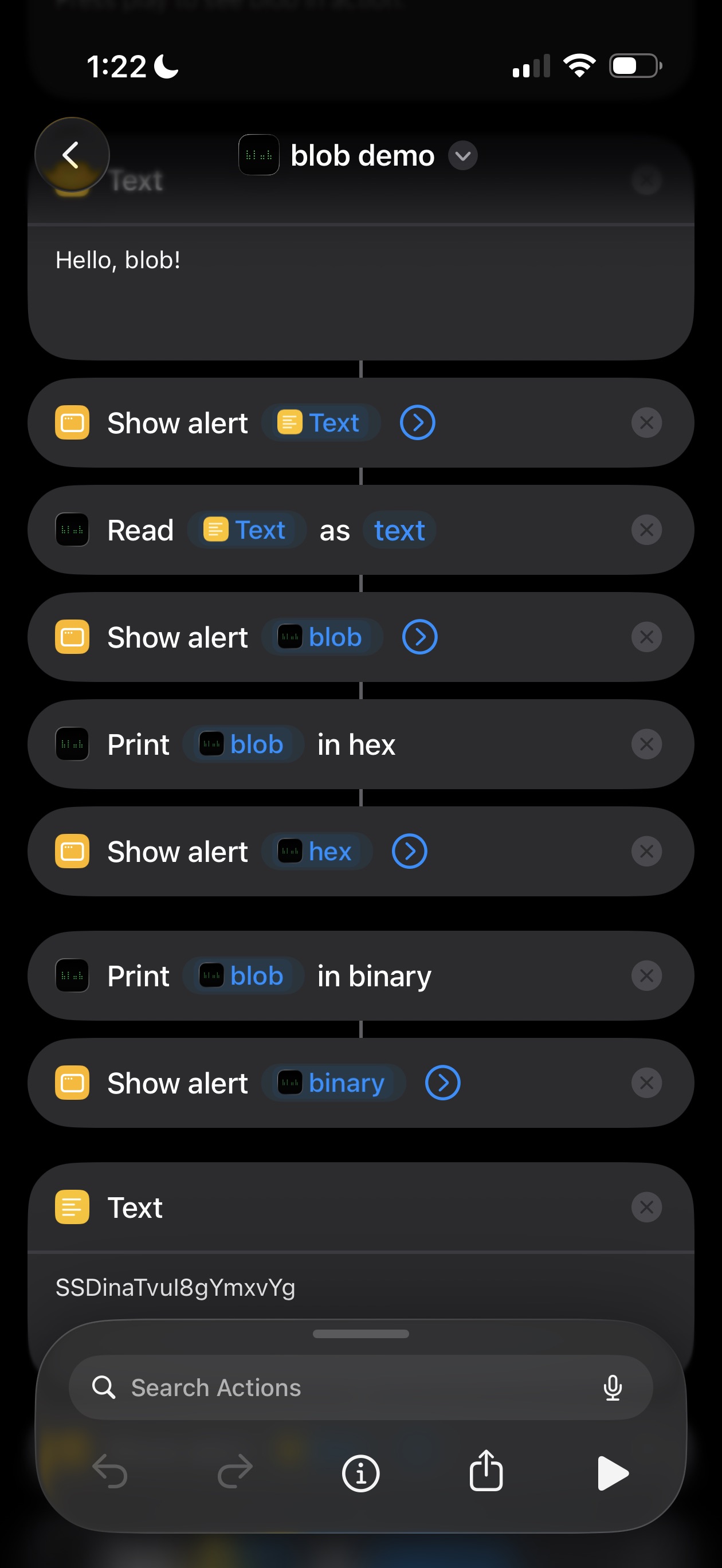
blob turns Shortcuts into a proper toolkit for binary data. It ships a suite of actions for encoding, decoding, and transforming bytes, plus a type-safe native format ("blob") that keeps binary and text visibly separate as they flow through a shortcut.
blob encoding
blob uses a base-256 encoding built from Braille Unicode characters. Every possible byte gets its own glyph — an assortment like ⢀⡀⠢⣒⢕⣾⢛⣿. One character, one byte. Binary data becomes compact, copy-pasteable, and visually distinct from any other encoding — so when a Shortcuts variable holds blob, you know at a glance it's bytes.
Supported encodings
Here are the five bytes of Hello rendered in every encoding blob understands:
| encoding | example |
|---|---|
| blob | ⠊⢖⠞⠞⢾ |
| binary | 01001000 01100101 01101100 01101100 01101111 |
| decimal | 72 101 108 108 111 |
| hex | 48 65 6c 6c 6f |
| base32 | JBSWY3DP |
| base64 | SGVsbG8= |
| base64url | SGVsbG8 |
| utf8 | Hello |
Shortcuts actions
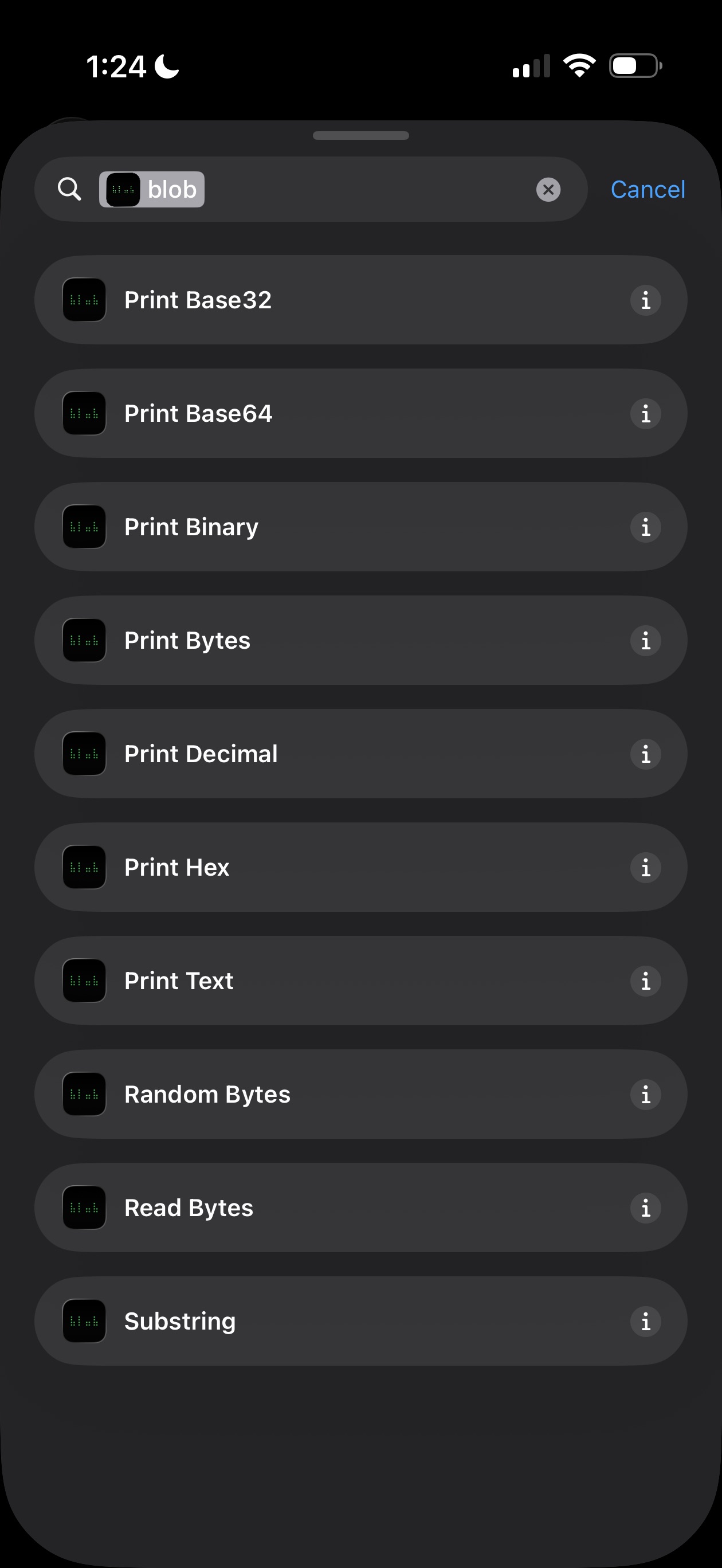
Read Bytes is the main input action. Point it at any supported encoding and it returns a blob. It auto-detects by default, or you can pick the encoding explicitly.
Print Bytes goes the other way — render a blob in any encoding. For convenience, Print Hex, Print Binary, Print Decimal, Print Base32, and Print Base64 are available as dedicated actions, each returning a variable named after the encoding so chained shortcuts stay readable.
Print Text interprets a blob as UTF-8, falling back to ASCII with . placeholders for non-printable bytes.
Substring slices any string by character position.
Random Bytes returns pseudo-random bytes as a blob. (Not cryptographically secure.)
Type safety
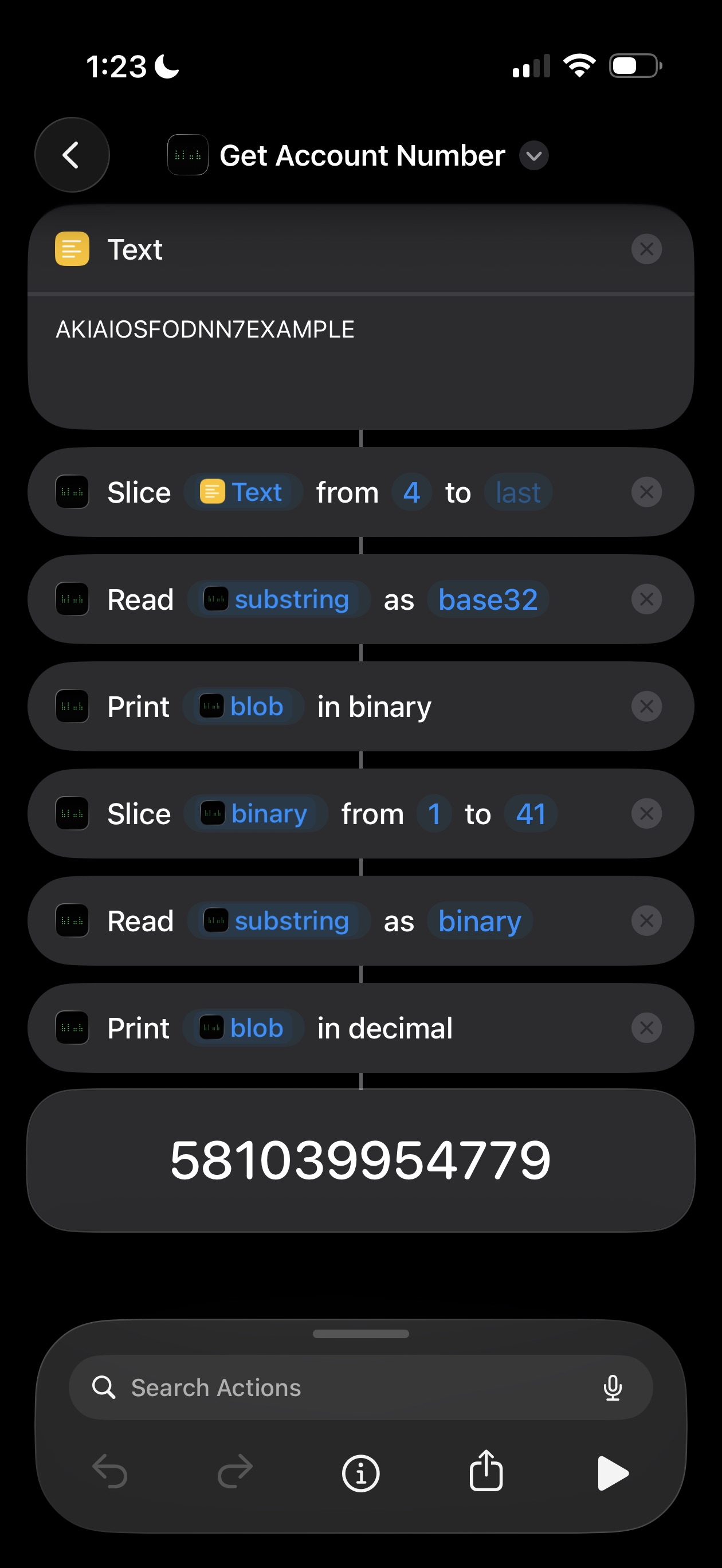
Each action is strict about what it takes in and what it produces. You can't accidentally encode an already-encoded string, and you can't interpret encoded data as if it were text. Parameter and return labels are consistent across every action, so shortcut variables stay self-describing.
The example here is a shortcut that takes an AWS-style access key, strips the prefix, reads the rest as base32, and prints the account number in decimal — each step carrying its type through to the next.
The app
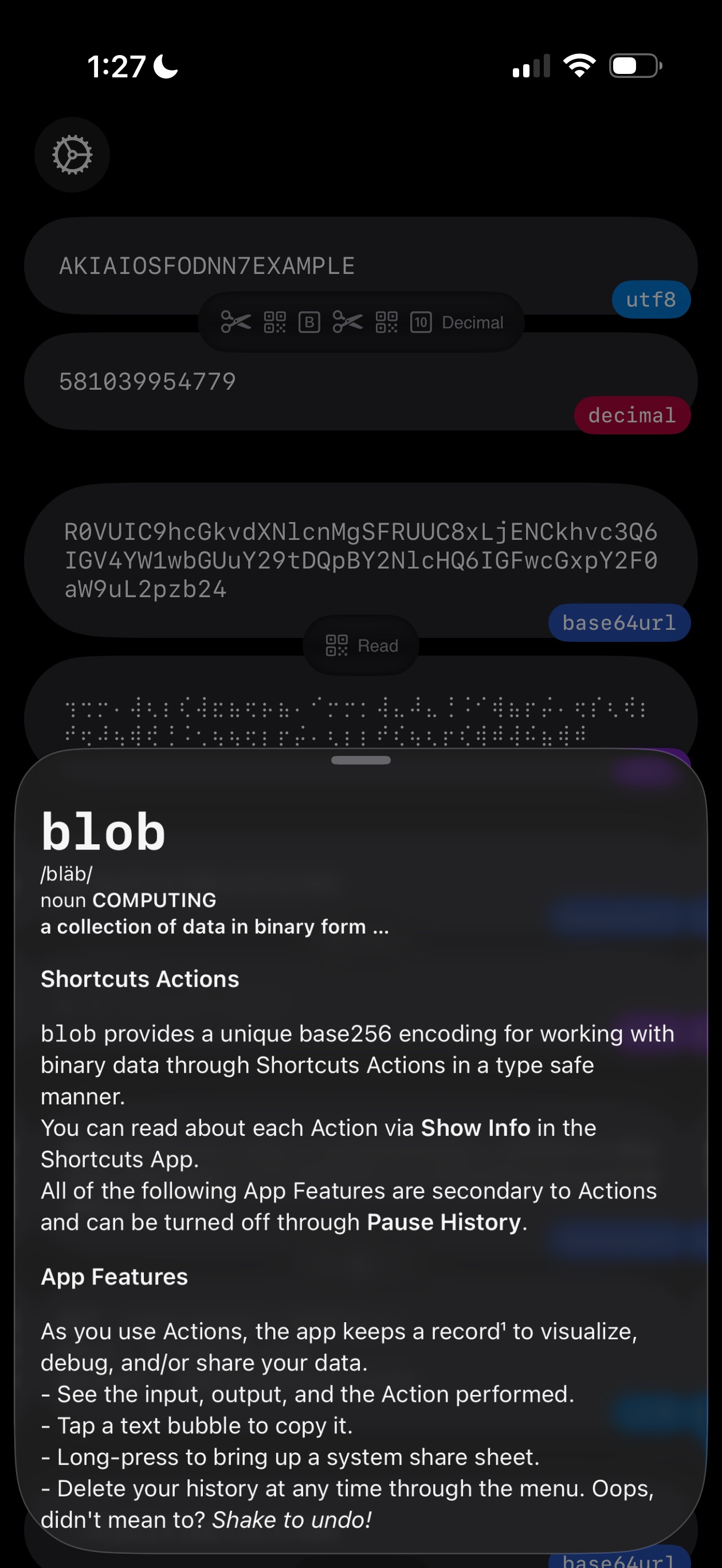
blob is primarily a Shortcuts extension — but the app itself is a history viewer. As actions run, it records input, output, and each step of a chain so you can inspect, share, and debug.
- Tap a message to copy.
- Long-press for the system share sheet.
- Chained actions collapse into a single thread showing the first input, the final output, and the operation icons in between.
- Large payloads (over 2 kB) show a summary in the UI. The full data is always processed and returned in Shortcuts.
- Shake to undo recovers a thread right after you clear it.
- Pause History bypasses the app entirely — actions keep working, but nothing is recorded.
None of this is sent anywhere — everything stays on your device. Full details in the privacy policy.
Install

Bug reports, questions, or beta access — see support.